
 Quick Start Here For:

Reserved Seating Computiks Now Online
Finally! you can create reserved seating Computiks on line.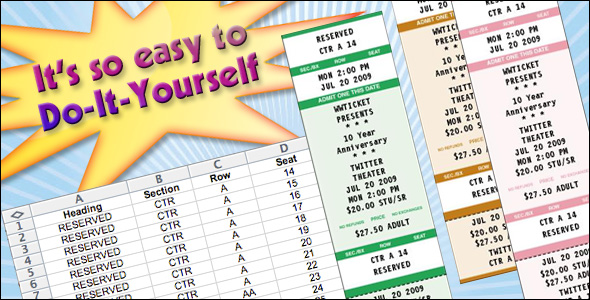
Create reserved Seating Computiks online. Enter your information. Preview the basic layout. Download the sample spreadsheet and assign one seat per line. Check out and ship your tickets to your door.
Get Started here.
Step One.
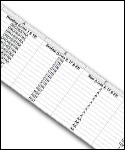
Just download the sample spreadsheet on the product page. (want a glimpse of it now? CLICK HERE) Enter one line for every seat in the spreadsheet. Your Section, Row, Seat and Header values are variable as noted in the spreadsheet. Modify those to suit your venue. Then just e-mail it to: online@wwticket.com
Step Two.
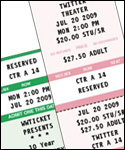
Select your color, quantity, enter your text and hit the preview button. Then add a disclaimer to the back of the ticket if you wish by using the text input area. Check your ticket and initial the online proof. Add it to your basket. That counts as one lot. Add as many as you wish.